Running Regional CTSM Simulations
This post includes steps for running regional CTSM simulations. In this example, we used CONUS domain as an example.
Adapted from this gist.
Resources
This blog post is based on this PR and the following gists:
- Example with detailed instructions
- mesh_maker.py example
1. Clone and set up CTSM
First, clone the CTSM repository and check out a version that includes the regional CTSM features (e.g. ctsm5.3.0 or later):
git clone https://github.com/negin513/ctsm.git ctsm_mesh
cd ctsm_mesh

git checkout subset_mesh_dask
./manage_externals/checkout_externals -vv
2. Set up Python environment
On Derecho, load the conda module and create a new environment with the required dependencies:
module purge
module load conda

cd python
conda create -n ctsm-env --file conda_env_ctsm_py_latest.txt
conda activate ctsm-env
3. Run subset_data for the region of interest
Run ./subset_data for the region of interest to create surface dataset, mesh files, and all the usermods necessary to run the regional case.
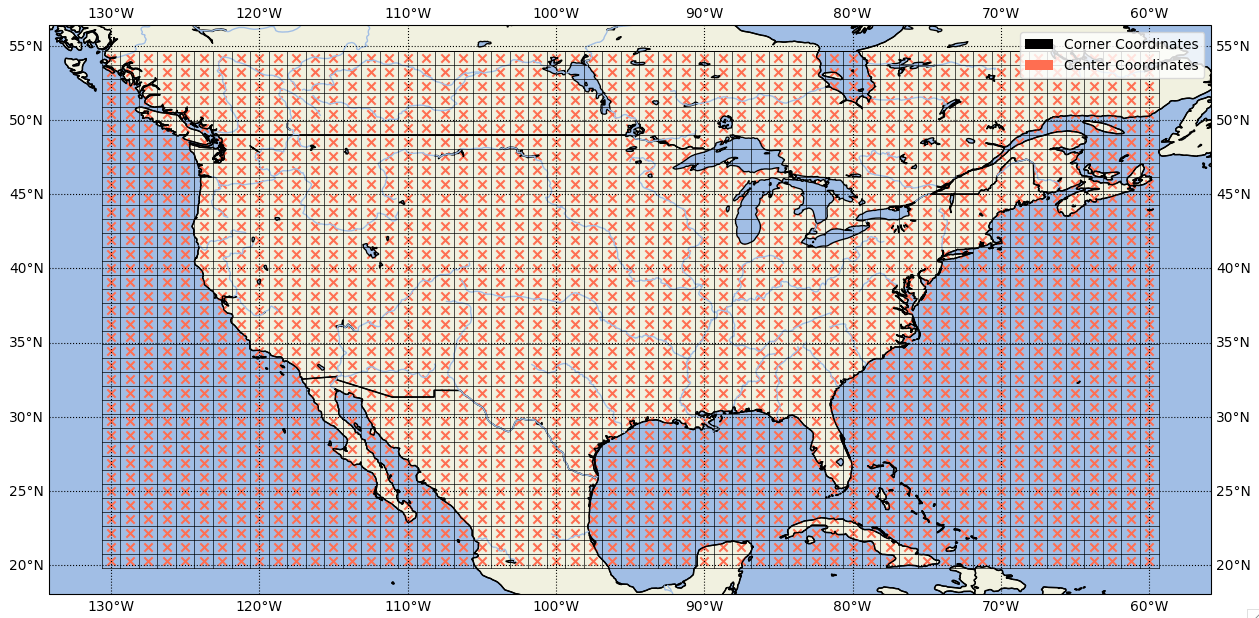
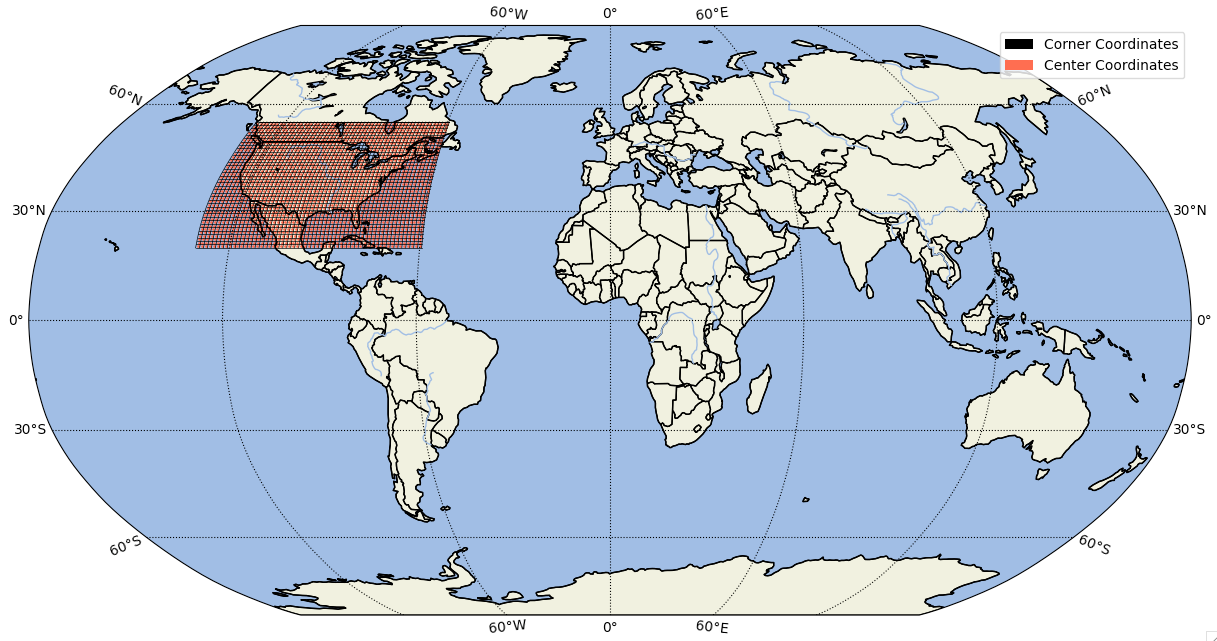
In this example, CONUS region is used, i.e. latitudes 20-55 and longitudes 230-300.
cd tools/site_and_regional

./subset_data region --create-surface --create-mesh --create-user-mods --lat1 20 --lat2 55 --lon1 230 --lon2 300 --overwrite --verbose --outdir /glade/scratch/negins/conus_example
This takes ~20 seconds to complete on Derecho. --verbose helps with additional outputs. Example output of this script shows the commands the user needs to run next. 🎉✨
Sample output for this region:
For running this regional case with the created user_mods :

./create_newcase --case case --res CLM_USRDAT --compset I2000Clm51BgcCrop --run-unsupported --user-mods-dirs  /glade/scratch/negins/conus_example/user_mods

INFO: Successfully ran script for a regional case.
This script creates both regional and global plots of the mesh file for region of interest. Next, the user should check the plots to confirm the region:
For example for this region, the plots are:
3- Next, run the ./create_newcase command to create a new case from the region of interest.
Hint: the command for running ./create_newcase is printed out as output of last step (so just copy and paste that.) 
cd ../../cime/script/

./create_newcase --case conus_example --res CLM_USRDAT --compset I2000Clm51BgcCrop --run-unsupported --user-mods-dirs /glade/scratch/negins/conus_example/user_mods
Now go to the created case, build it and run it.
Running the following will build your case and run it for 5 days (default):
cd conus_example
./case.setup
qcmd -- ./case.build
./case.submit
Now, if we want to run this case for 2 years with 8 nodes and 4 thread per node, instead of the commands above:
cd conus_example

./xmlchange STOP_OPTION=nyears
./xmlchange STOP_N=2

#-- change the number of cores to run on:
./xmlchange NTASKS=64
./xmlchange NTHRDS=4
./case.setup
./preview_run

qcmd -- ./case.build
./case.submit
Voila: Now you successfully run CTSM for the CONUS region. 👏
Next: Try running CTSM for another region.